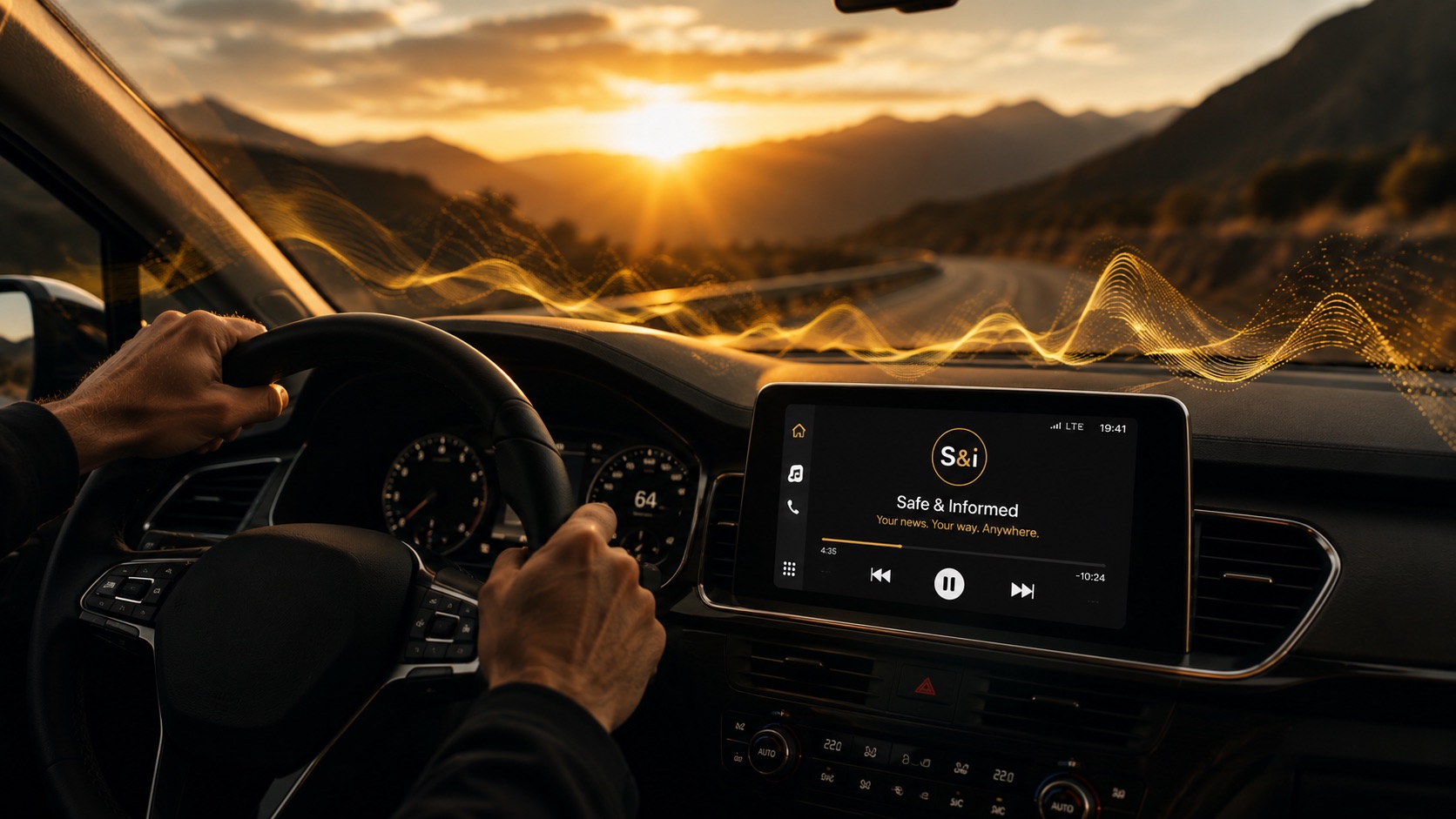
Most news gets read on a screen. That's fine at a desk, but useless when you're driving. You can't look at your phone, you shouldn't touch it, and the radio gives you whatever the station decided to play, not what you actually care about.
I spent a lot of my week in the car, and I wanted my own news — the sources I follow, the topics I pick — read out loud while I drive. No screen. Hands on the wheel. It turned out to be harder than it should be, so here's what I learned, and how I ended up solving it.
The problem with most options
Podcast apps are close, but they play shows someone else produced. You get the episodes that exist, not the articles you want, when you want them.
Radio is passive. You listen to whatever's on. No control over topics, and a lot of ads.
Most news apps are built for reading. Even the ones with a "listen" button usually read one article at a time and stop, so you're back to touching your phone at every red light.
RSS readers give you control over your sources, which is the part I cared about most. But almost none of them read your feeds out loud, and the few that do weren't built for the car.
What actually works: RSS + audio + CarPlay/Android Auto
The setup that works is simpler than it sounds. You take the sources you already follow through RSS, have them read to you as audio, and control it all through CarPlay or Android Auto so it behaves like any other car audio app.
RSS is the key piece. It's an old, open format that lets you subscribe to any site's updates without an account and without an algorithm deciding what you see. You pick the sources. Newspapers, blogs, local outlets, niche sites — if it publishes an RSS feed, you can follow it. Most still do.
Add a voice on top, and your feed becomes something you can listen to instead of read. Add CarPlay or Android Auto, and it shows up on your car screen with play, pause, and skip, so you never reach for your phone.
How to set it up
- Gather your sources. Think about where you actually get your news — a couple of papers, a few sites, maybe a local outlet. Most of them have an RSS feed, even if it's not obvious. If you already use an RSS reader, you can export your list as an OPML file and bring it with you.
- Use an app that reads feeds aloud and supports the car. This is the part where the options thin out. You need three things in one place: RSS, a voice that reads full articles, and CarPlay or Android Auto support.
- Set it up once, then just press play. The point is to stop fiddling. Once your sources are in, getting in the car and pressing play should be the whole interaction.
Why I built Safe & Informed
I couldn't find one app that did all three well, so I built it. Safe & Informed reads your own RSS feeds out loud, works in the car through CarPlay and Android Auto, and has no accounts and no feed built to keep you scrolling. You pick the sources and the topics. It reads them to you, in the car or anywhere else, and picks up on your other devices where you left off.
There is a recommendation engine, but it works differently from the ones you're used to. It runs entirely on your device, learns from what you actually read, and answers to you rather than to an advertiser. Nothing about your interests leaves your phone.
It's not only for articles, either. Because a podcast is really just a feed with audio, you can follow your podcasts in the same place and listen to them in the car too — the same play, pause, and skip, without switching apps. So your news and the shows you already listen to end up in one queue.
It's local-first: your feeds, your reading and listening history, and your preferences stay on your device. A couple of things do leave it, and I'd rather be upfront about them. If you use the AI voice or summaries — an optional paid feature — the article text is sent to an AI provider to be read or summarised, with nothing attached that identifies you. If you'd rather keep everything on-device, the free tier uses your phone's built-in voice and sends nothing out. The free tier also shows ads: on Android they're always non-personalised, and on iOS they stay non-personalised unless you choose to allow tracking when the app asks. The paid tiers have no ads at all.
So the setup above works on the free version too — you just trade the natural AI voice for your phone's built-in one, and keep everything on-device while you're at it.
If you drive a lot and you're tired of choosing between the radio and staring at your phone, this is the gap I was trying to fill. Your news, read to you, without taking your eyes off the road.
Safe & Informed is launching soon. If you want to follow along, the blog is where I'll post updates and beta links.
Read next: Imagine a different way to follow the news
Read next: Why I built a news app you listen to instead of read.